Free calculator
50/30/20 Budget Calculator
Enter your take-home pay to see how much goes to needs, wants and savings, and how your spending compares.
Your income
What lands in your bank account after taxes and deductions.
50/30/20 is a popular starting point. Change the split to fit your life.
What you spend now (optional)
Needs: housing, utilities, groceries, insurance, transport, minimum debt payments. Wants: dining out, shopping, subscriptions, travel. Savings & debt: saving, investing and extra debt payments.
Your monthly budget
Save or pay down debt each month
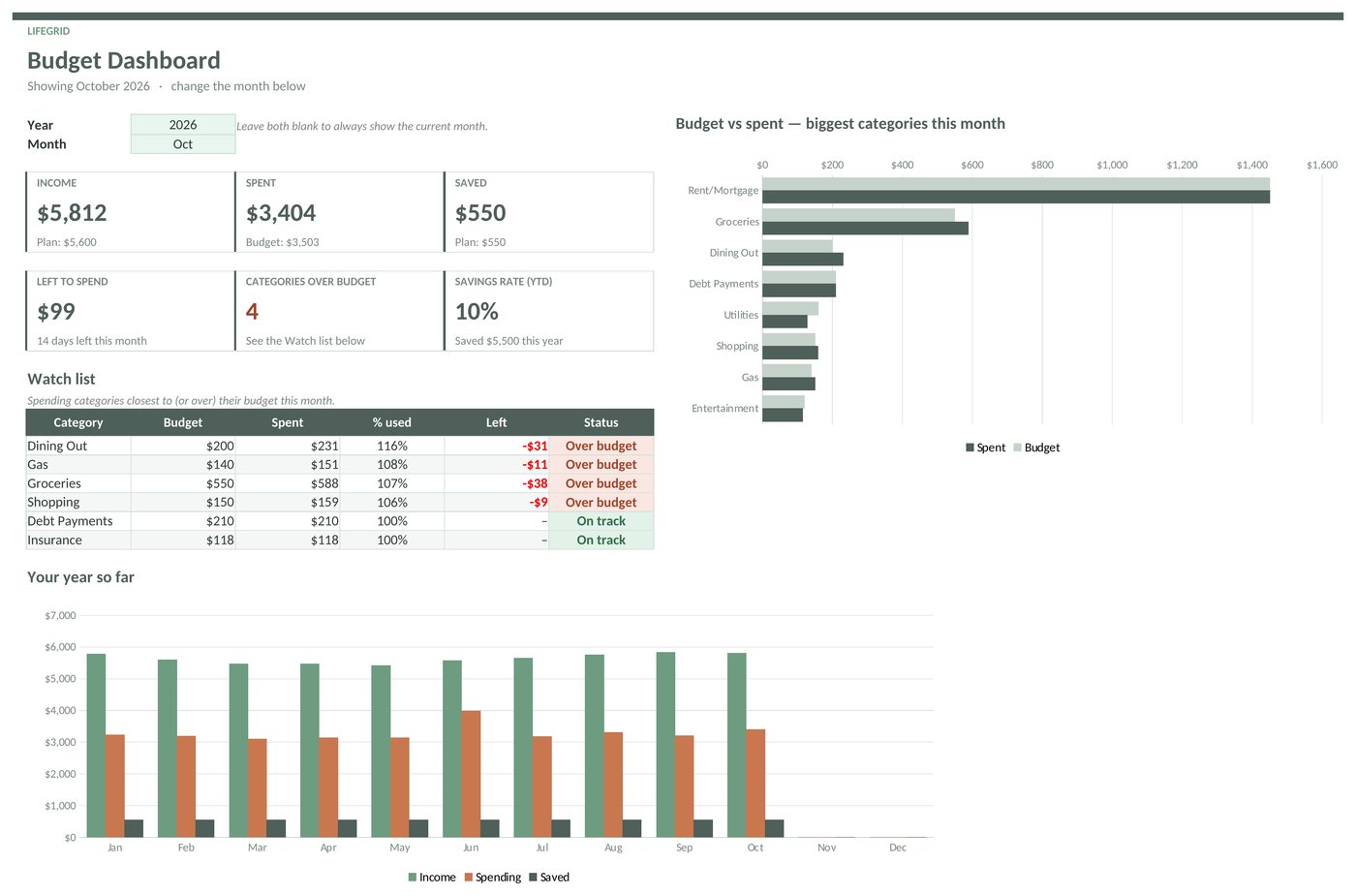
Turn your $5,000 plan into a real budget
Plan every category, log what you spend, and see what's left to spend this month before it's gone.
- Budget vs actual for every category
- Watch list of what's close to its limit
- Savings rate and a full-year view
Not ready to buy?
Grab the free Monthly Expense Snapshot and see where your money went this month.
Questions
What is the 50/30/20 rule?
It's a simple way to split take-home pay: about 50% for needs, 30% for wants and 20% for savings and extra debt payments. It's a guideline, not a rule, so adjust it to your costs and goals.
Should I use take-home pay or gross pay?
Use take-home pay, the amount that actually reaches your account after taxes and deductions. If you save for retirement through payroll, you can count that toward savings too.
What if my needs are more than 50%?
That's common where housing is expensive. Lower the wants share for now, look for one or two big bills to reduce, and keep some savings going even if it's less than 20%.